
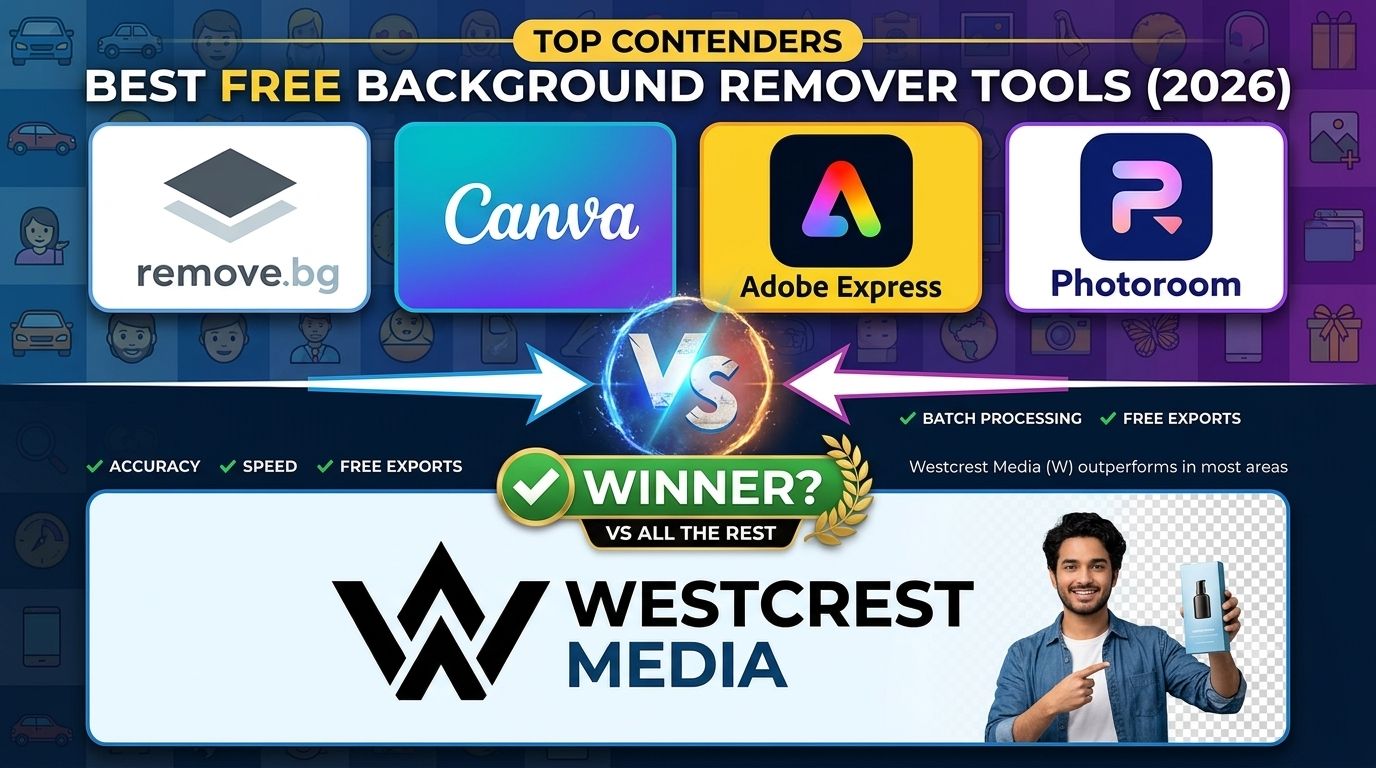
What to Look for in a Background Remover Tool
Before jumping into the comparison, here's what actually matters when picking a BG remover:
- Does it require signup? Nobody wants to create an account just to remove one background.
- Is your image safe? Where does your image go after upload? Does the tool store it?
- Quality in = Quality out? Does the tool compress your image or return it at the same resolution?
- How much can you actually edit? Basic cutout is one thing. But what about shadows, outlines, glow effects, and background placement?
- Is it truly free? Many tools advertise "free" but lock the best features behind a paid plan.
Let's break it all down.
1. Remove.bg
Remove.bg is one of the most recognized names in background removal, and for good reason. It's fast, accurate, and works well for portraits and product shots alike.
What it offers:
- AI powered background removal in roughly 5 seconds
- Magic Brush (erase and restore function) for fine tuning edges
- Background replacement with color, photo, or AI generated backgrounds
- Shadow and blur effects
- Bulk processing via desktop app (up to 500 images per minute)
- Figma, Photoshop, and Zapier integrations
Where it falls short:
- The free version downloads images at only 0.25 megapixels (roughly 625×400 pixels), which is far too small for professional use
- Full resolution downloads require a paid credit purchase or subscription
- No glow effects, outline and stroke options, badge overlays, or Pixabay and Pexels background library built in
- Credits expire if you cancel your subscription
- Signup is required for most features
Great for speed and accuracy. But if you want full resolution for free, it's not the tool for you.
2. Canva Background Remover
Canva is a design powerhouse, and its Background Remover is built right into the editor, which makes it incredibly convenient for users already working inside Canva.
What it offers:
- One click background removal inside the Canva editor
- Erase and Restore brush for manual refinement
- Background replacement from Canva's stock library
- Scale, move, and layer images on new backgrounds
- Integration with thousands of templates
Where it falls short:
- Background Remover is a Canva Pro only feature — it's not available on the free plan at all. You'll see a crown icon and an upgrade prompt if you try
- Canva Pro starts at $15/month billed monthly (or $120/year)
- No dedicated glow effects, custom stroke and outline on the cutout, shadow with multi angle control, or badge overlay features
- You cannot download images in multiple formats with full resolution control unless you're on a paid plan
- Undo and Redo within the brush refinement mode does not work while zoomed in
Excellent if you're already paying for Canva Pro and designing inside their ecosystem. For standalone free background removal with advanced editing, it simply isn't available at no cost.
3. Adobe Express
Adobe Express brings Adobe's renowned image quality to a more accessible, browser based interface. Its background remover is free, though with some important caveats.
What it offers:
- AI powered background removal, no software download needed
- Works on JPEG, JPG, PNG, and WebP (up to 40MB)
- Erase and Restore refine brushes
- Background replacement with Adobe Stock images or custom uploads
- Filters, color adjustments, and text overlays in the editor
- Works on desktop and mobile
Where it falls short:
- The free plan comes with a limited pool of AI credits that background removal draws from, and once used up, you need to upgrade
- No standalone glow effects, multi angle shadow control, custom outline and stroke, or batch badge overlay on the cutout
- No built in Pixabay or Pexels integration for background photos
- One design at a time, with no batch processing in the free tier
- Some compression can occur on export, reducing image quality slightly
A strong free option for occasional users, but the credit limits can frustrate anyone who edits images regularly. And for advanced editing layers like glow, stroke, and custom shadows, you'll need to look elsewhere.
4. Photoroom
Photoroom started as a mobile first app built for ecommerce sellers, and it's grown into one of the most downloaded background removal tools globally, with over 200 million users.
What it offers:
- Fast, clean AI background removal
- Background replacement with studio templates
- AI generated backgrounds and scenes
- Virtual Model feature for clothing
- Batch processing on paid plans
- Available on iOS, Android, and web
Where it falls short:
- The free plan watermarks every export — your downloaded image will have a Photoroom logo on it
- High resolution export is gated behind paid plans
- Batch processing requires Pro or higher (starts at $9.99/month)
- No glow effects, custom stroke and outline, multi badge overlay, or Pixabay and Pexels background integration
- No undo and redo within brush refinement on web
- Since November 2025, even paid plans have batch export limits (500/month on Pro, 1,500/month on Max), which caused significant backlash from the user community
Mobile friendly and great for ecommerce product shots. But watermarked free exports and limited precision editing make it a frustrating choice for serious creators who aren't ready to pay.
5. Westcrest Media Background Remover: The Free Alternative Built for Creators
Now here's where things get interesting.
Westcrest Media's Background Remover was built with one core belief: powerful image editing shouldn't require a subscription or a signup form.
Here's what you get, completely free, right in your browser:
No Signup. No Account. No Hassle.
Just open the tool and start editing. Your privacy is protected because everything runs directly in your browser, meaning your image never has to leave your device for processing. That means no server storing your photos, no data policies to worry about.
Erase and Restore: Down to the Last Detail
After the background is removed, you get a full Erase and Restore brush to manually refine your cutout. Accidentally removed part of a subject's hair or product edge? Restore it in one stroke. Both tools come with Undo and Redo buttons, so you can experiment freely without fear of ruining your work.
Add, Scale, Move, and Blur Any Background
Once your subject is cut out, you can add a new background from the built in Pixabay and Pexels photo library — thousands of free, high quality stock images at your fingertips. Place your cutout on any background, then scale, move, and blur the background independently to create exactly the depth and composition you want.
Professional Effects That Are Actually Included
Outline & Stroke: Add a precise border around your cutout with a full color picker and unlimited stroke options. Perfect for stickers, product highlights, and social media graphics.
Shadow Control: Add a drop shadow and fine tune the angle, opacity, and softness to make your subject feel grounded and three dimensional. Not a preset but a fully adjustable tool.
Glow Effect: Choose from multiple glow styles and colors to make your subject pop. Full control over the spread, intensity, and hue. Great for creative edits, thumbnails, and digital art.
Solid Color Backgrounds: Instantly add any solid color to your transparent cutout before downloading.
Rotate, Scale, and Move Your Cutout
After removing the background, your subject becomes a fully moveable object. Rotate it, resize it, reposition it, then layer it over your chosen background exactly where you want it.
20 Badge Overlays in One Go
Need to add a badge to product images? Westcrest Media lets you overlay up to 20 badge images at once — a feature most tools don't offer at any price. Whether you're marking sale items, adding watermarks, or tagging products, it's done in a single session.
Same Quality In, Same Quality Out
One of the most common hidden costs of free tools is image compression on download. Westcrest Media's background remover gives you back your image at the same resolution you uploaded — no downscaling, no compression, no quality loss.
Multiple Format Downloads
Download your final image in the format that suits your project. And if you're editing multiple images, use the bulk download as ZIP option to grab everything in one go.
Try It Free Right Now
No account. No watermark. No quality loss. Just open and start editing.
Open Background RemoverQuick Comparison Table
| Feature | Remove.bg | Canva | Adobe Express | Photoroom | Westcrest Media |
|---|---|---|---|---|---|
| Fully Free | Partial | Pro only | Limited | Watermarked | ✓ Yes |
| No Signup Required | ✗ | ✗ | ✗ | ✗ | ✓ Yes |
| Full Resolution Output | Paid only | Paid only | Limited | Paid only | ✓ Yes |
| Erase and Restore Brush | ✓ | ✓ | ✓ | Limited | ✓ |
| Undo and Redo | Limited | Limited | Limited | Limited | ✓ |
| Pixabay and Pexels BG Library | ✗ | ✗ | ✗ | ✗ | ✓ |
| BG Scale, Move, Blur | ✗ | ✗ | ✗ | ✗ | ✓ |
| Outline and Stroke Effect | ✗ | ✗ | ✗ | ✗ | ✓ Unlimited Colors |
| Shadow (Angle, Opacity, Softness) | Basic | ✗ | ✗ | Basic | ✓ Full Control |
| Glow Effect | ✗ | ✗ | ✗ | ✗ | ✓ Multi Color |
| Rotate, Scale, Move Cutout | ✗ | ✓ | Limited | ✗ | ✓ |
| 20 Badge Overlay at Once | ✗ | ✗ | ✗ | ✗ | ✓ |
| Multiple Output Formats | Limited | Limited | PNG only | PNG and JPEG | ✓ Multiple |
| Bulk ZIP Download | API only | ✗ | ✗ | Paid only | ✓ Free |
| Browser Based Privacy | ✗ | ✗ | ✗ | ✗ | ✓ Yes |
Which Background Remover Should You Use in 2026?
Choose Remove.bg if you need fast, high volume background removal and are comfortable paying for credits. It integrates well with professional workflows via API and Figma plugins.
Choose Canva if you're already on Canva Pro and want background removal built directly into your design workflow. For free users, it's simply not an option.
Choose Adobe Express if you're an occasional editor who already has an Adobe account and wants to combine background removal with Adobe's design ecosystem. Just be mindful of the credit limits.
Choose Photoroom if you're a mobile focused ecommerce seller who needs clean product photos quickly and doesn't mind paying for the watermark free version.
Choose Westcrest Media if you want a fully free, no signup, browser based background remover that doesn't trade quality for access. With features like glow effects, multi angle shadow control, custom stroke, Pixabay and Pexels background integration, 20 badge overlay, and full resolution output — it does more than most paid tools, at zero cost.
Final Thoughts
Background removal used to mean either hours in Photoshop or compromises in quality. That's no longer true. But what's still true in 2026 is that most "free" tools either hide their best features behind a paywall, watermark your work, or reduce your image quality on download.
Westcrest Media's Background Remover was built to close that gap. It's not a lite version of something better. It is a complete, privacy first editing tool designed for creators who deserve professional results without a monthly bill.
Try it free at westcrestmedia.in — no account required, no watermarks, no compromises.
Try the Westcrest Media Background Remover
No account required. No watermarks. No compromises. Full resolution output, completely free.
Open Free Tool